User settings
Units
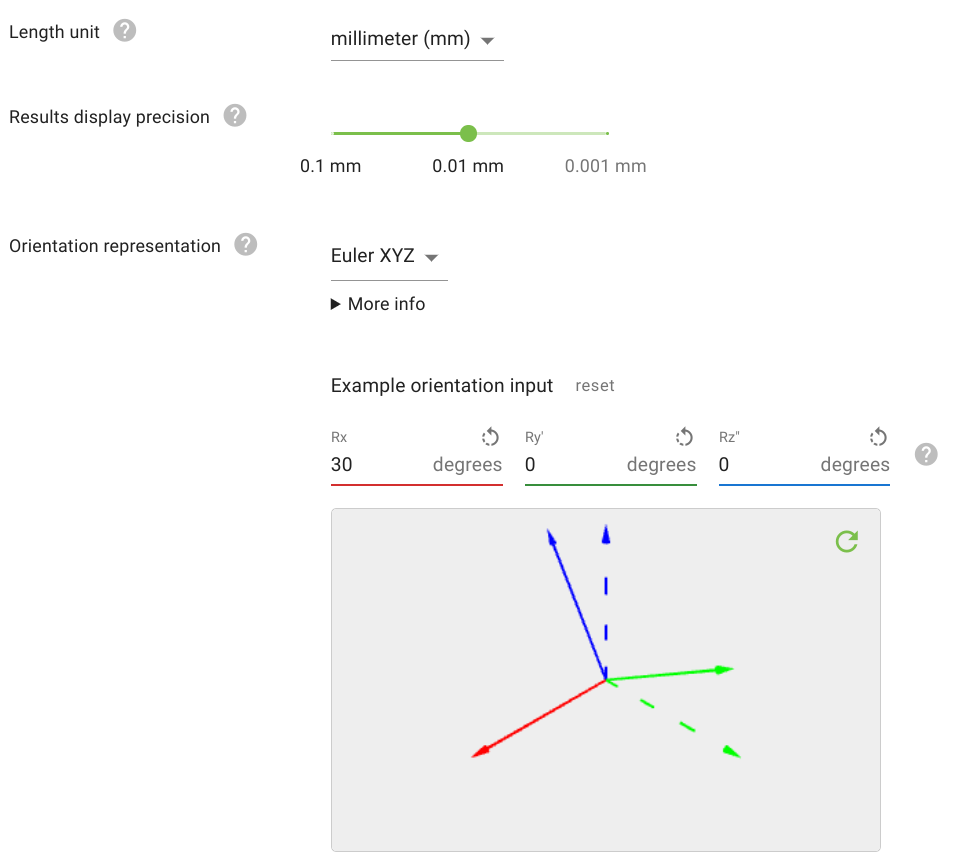
For length values like object position and dimensions, it’s possible to set the display unit (meters, inches, …) used in the Pickit web interface, and the precision with which results are displayed in places like the objects table and the calibration page. Also, the representation used for displaying orientations can be set, such that for instance, it matches that of your robot.
Language settings
The Pickit web interface is available in the following languages:
English (default)
German
Japanese
Korean

Automatic detections
When setting up an application, it can be useful to automatically trigger a detection on every parameter change. This option is disabled by default, and is mostly useful when detection times are fast.

Snapshots
Pickit allows multiple ways to save snapshots:
Manually, from the web interface.
From the robot program.
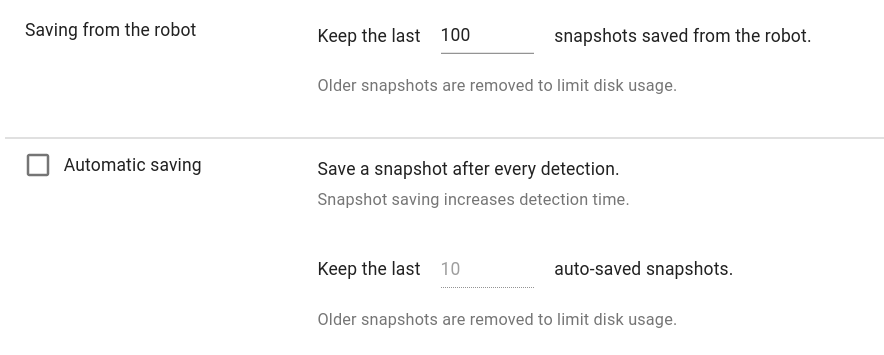
Automatically, on every detection (except if already in snapshot mode). This is an optional setting that can be enabled here, and is disabled by default.
Warning
Since saving a snapshot takes time, detections are slower when automatic saving is enabled.
It is also possible to control how much disk space is used when saving snapshots from the robot or automatically.
Share usage statistics
Sharing usage statistics allows the Pickit support team to provide guidance when it comes to troubleshooting, analyzing and optimizing your application. Important trends or problems can be identified, which inform you where you stand in your application.
Sharing usage statistics requires the Pickit system to be online.

Backup & restore configurations
Backup downloads all configuration files in this system, while Restore replaces all configuration files in this system with those stored in a backup file.
Use this for archival purposes, and for replicating the configuration of a Pickit system across other systems.