How to get rid of false detections?
A false positive detection (or false detection) occurs when Pickit returns an incorrect object location (below left). A true positive, in contrast, occurs when Pickit returns a correct object location (below right).
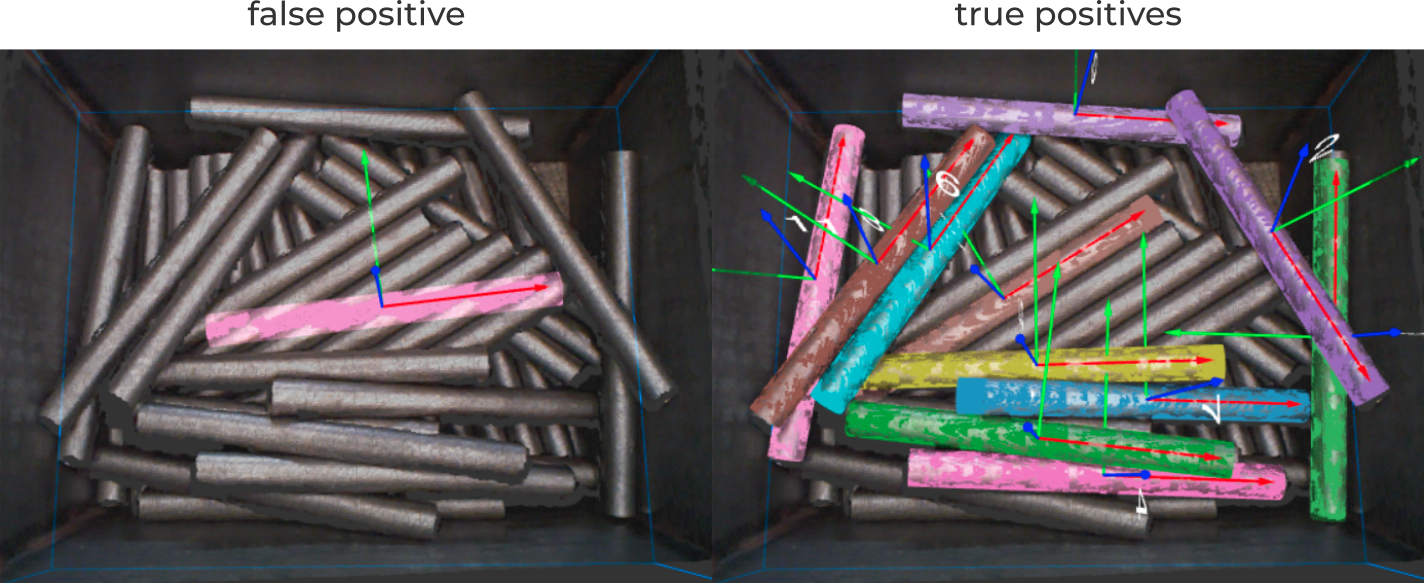
False positives most frequently occur when the application has not been correctly set up and configured. Following the guidelines on how to get more detections should address the main sources of false detections. It is however noteworthy to mention the following situations that increase the likelihood of false positive detections:
The camera is too far from the objects.
The matching tolerance is too high.
The minimum matching score is too low.
The downsampling resolution is too high (coarse).
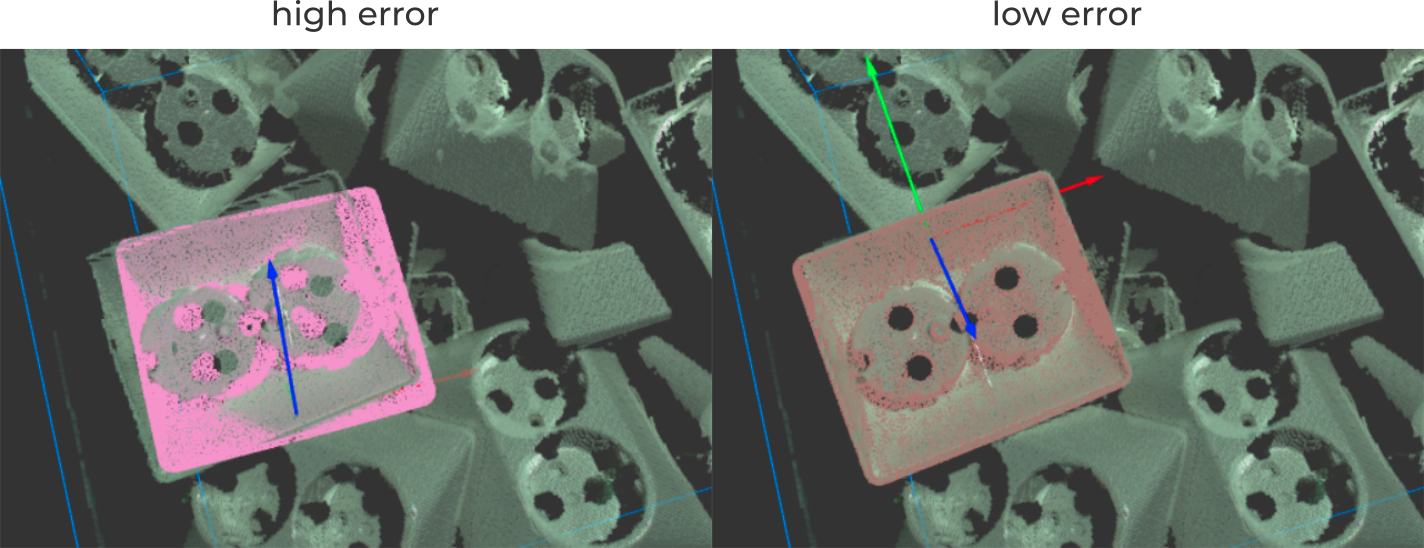
These guidelines are applicable not only to improve clearly incorrect false positives, but also detections where the error excedes the application’s expectations.
Tip
If you need assistance in setting your detection parameters to avoid false positives, don’t hesitate to save a snapshot of your detection scenario and send it to support@pickit3d.com.
False positives can also occur if the application is not well-suited for Pickit, such as when parts are too small, too reflective or too transparent. This is why qualifying your application with Pickit representatives or certified partners is important in the early stages of your project.