Warning
You are reading the documentation for an older Pickit release (4.0). Documentation for the latest release (4.1) can be found here.
Note
The SD2 camera is powered through Power over Ethernet (PoE), so it needs to be connected to a PoE-enabled port. Refer to the article on connecting components, and to the specifications of your Pickit processor to learn more.
Fixed camera cable
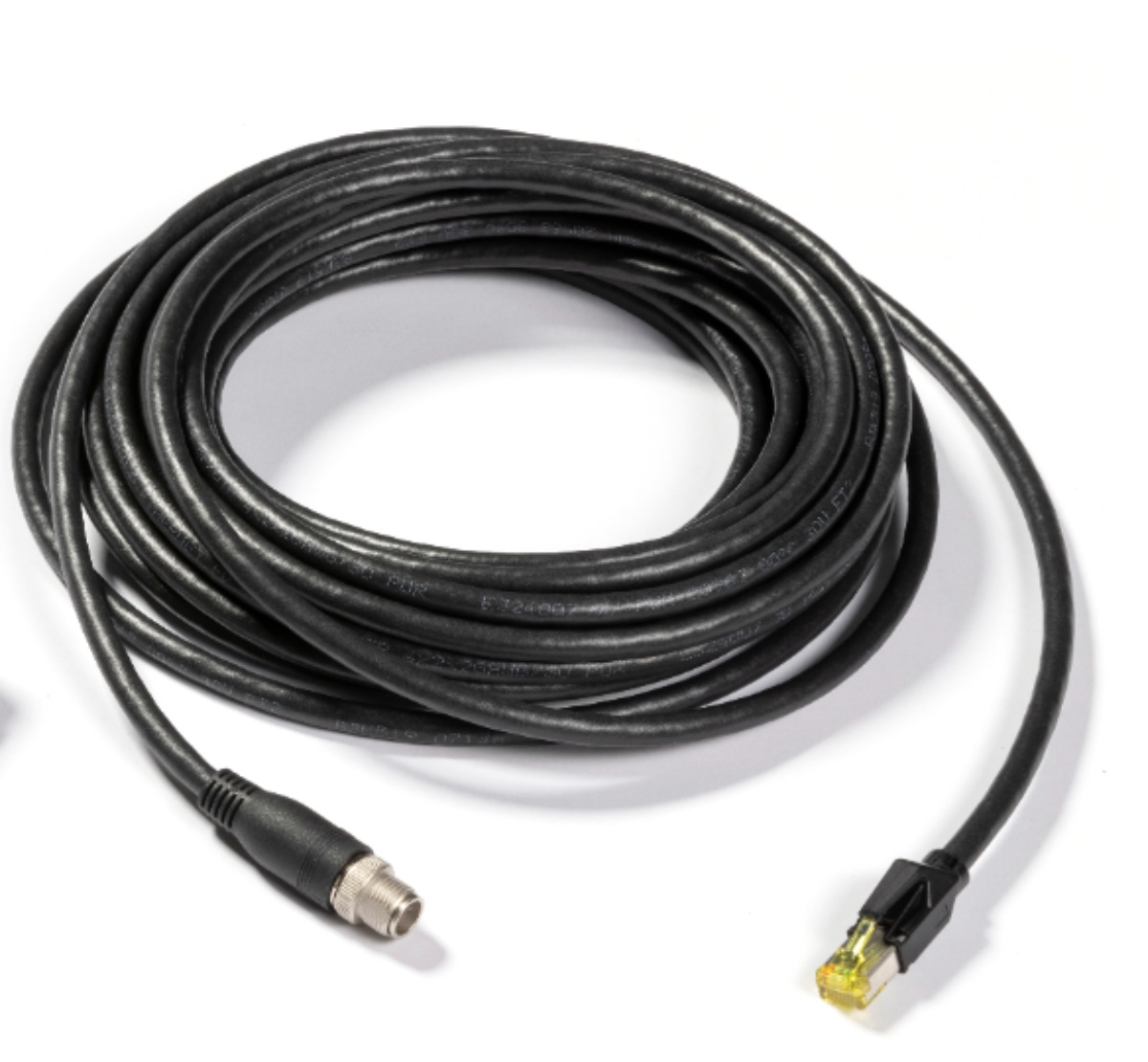
For fixed mount SD2 cameras the best solution is to use the 10m cable Ethernet cable (datasheet).
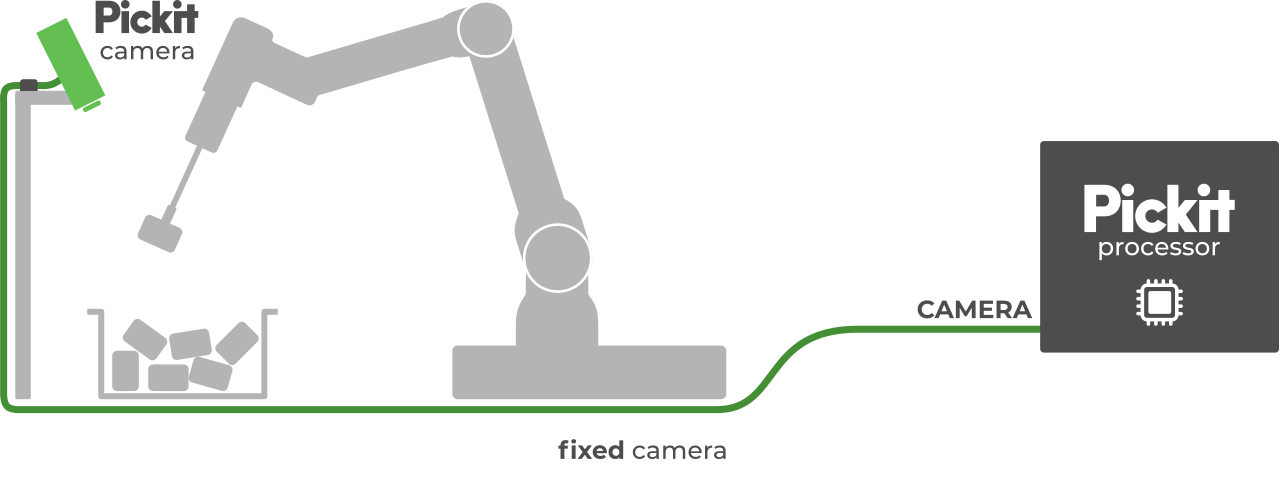
This cable needs to be mounted between the camera and the Ethernet port labeled CAMERA of the Pickit processor, as shown.
If you need to mount the camera further from the processor, use a longer Ethernet cable, making sure that it is CAT 6A or higher.
Robot mounting kit
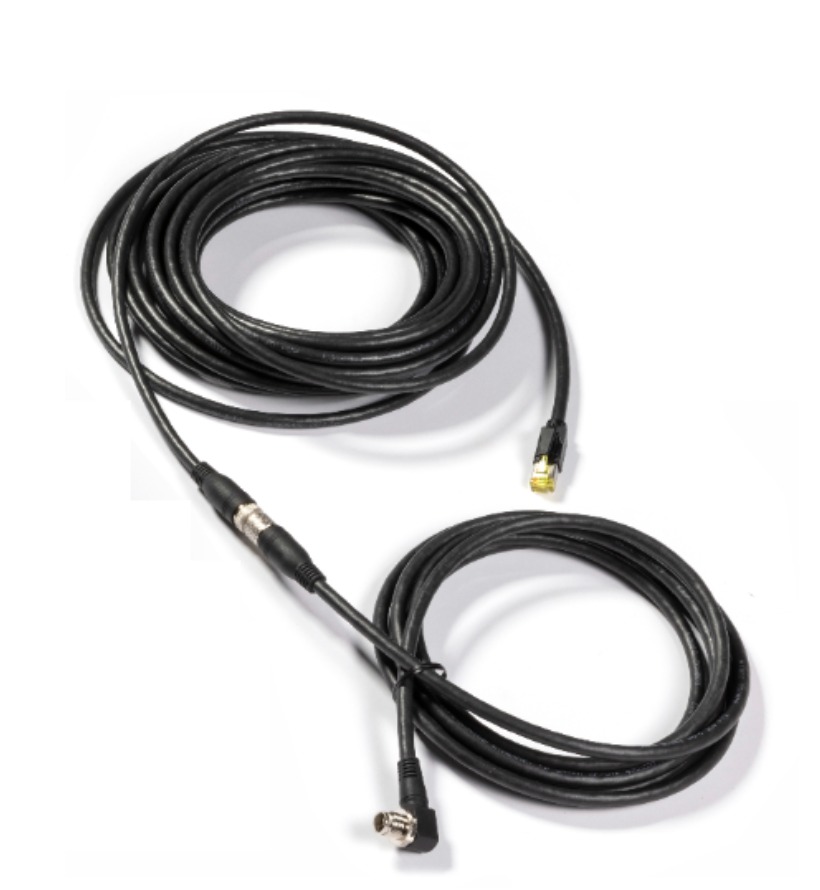
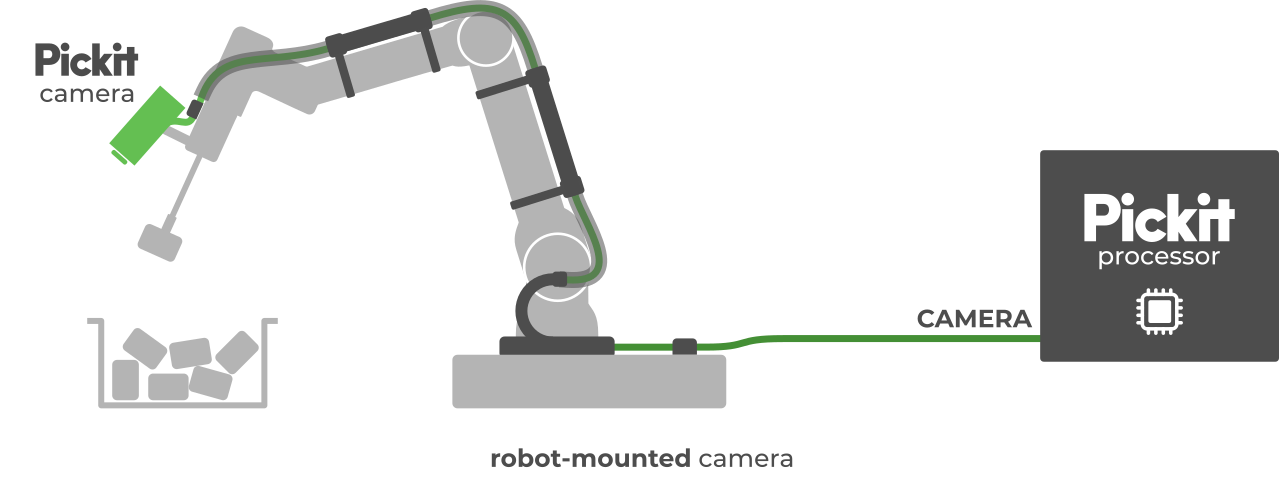
The robot mounting kit consists of two cables, shown below:
Standard 10m cable: the same type used for fix camera mounting. It will be connected to the Ethernet port labeled CAMERA of the Pickit processor.
A 3m extension cable: this extension cable is connected to the 10m one and on the camera side it has a 90deg angle M12 connector. This will reduce space needed by the camera + cable connector, for a more compact mount.
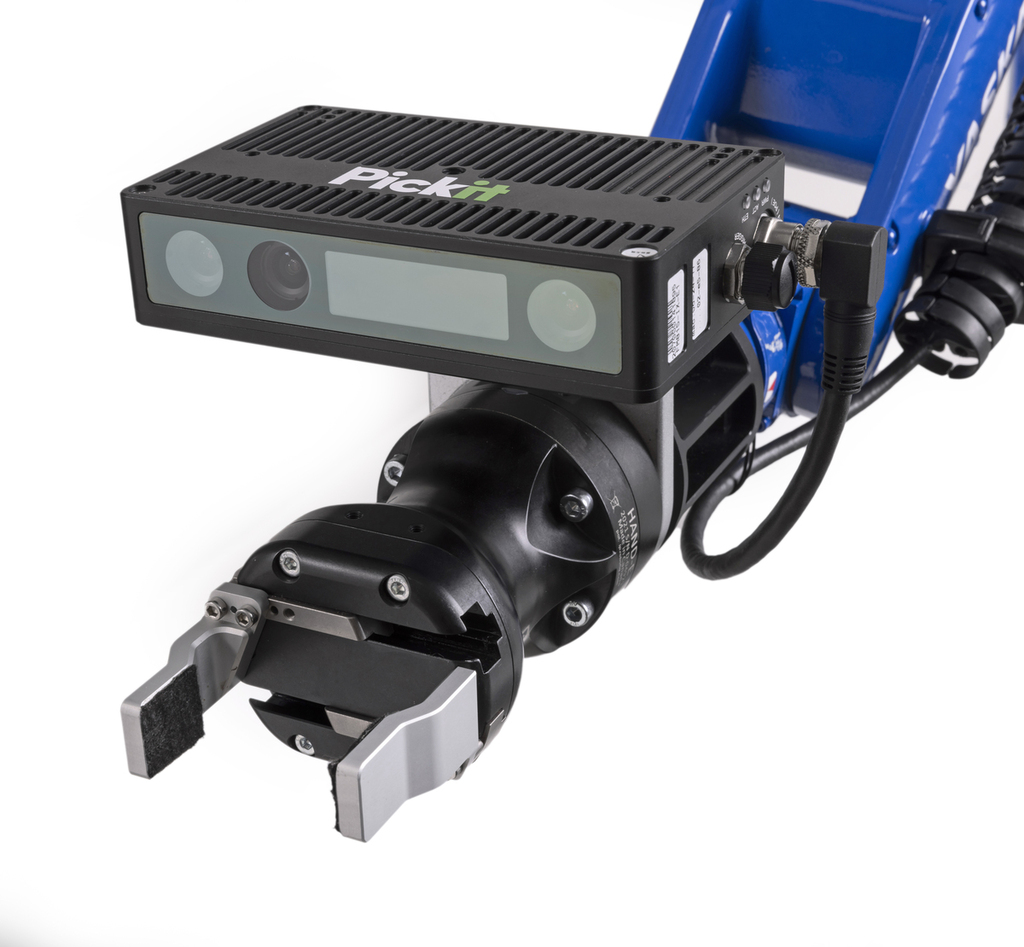
Details of the mechanical and electrical characteristics of this cable can be found in the datasheet.
Tip
Make sure you follow the best practices for routing the cables from the robot base to the camera.