Detection accuracy
The detection accuracy is impacted by both repeatability and trueness errors.
Detection trueness errors manifest as detected objects with completely wrong location, the so called false detections. For instructions on how to get rid of false detections refer to this article.
The reminder of this article addresses the second type of detection errors, namely the detection repeatability errors.
What is detection repeatability?
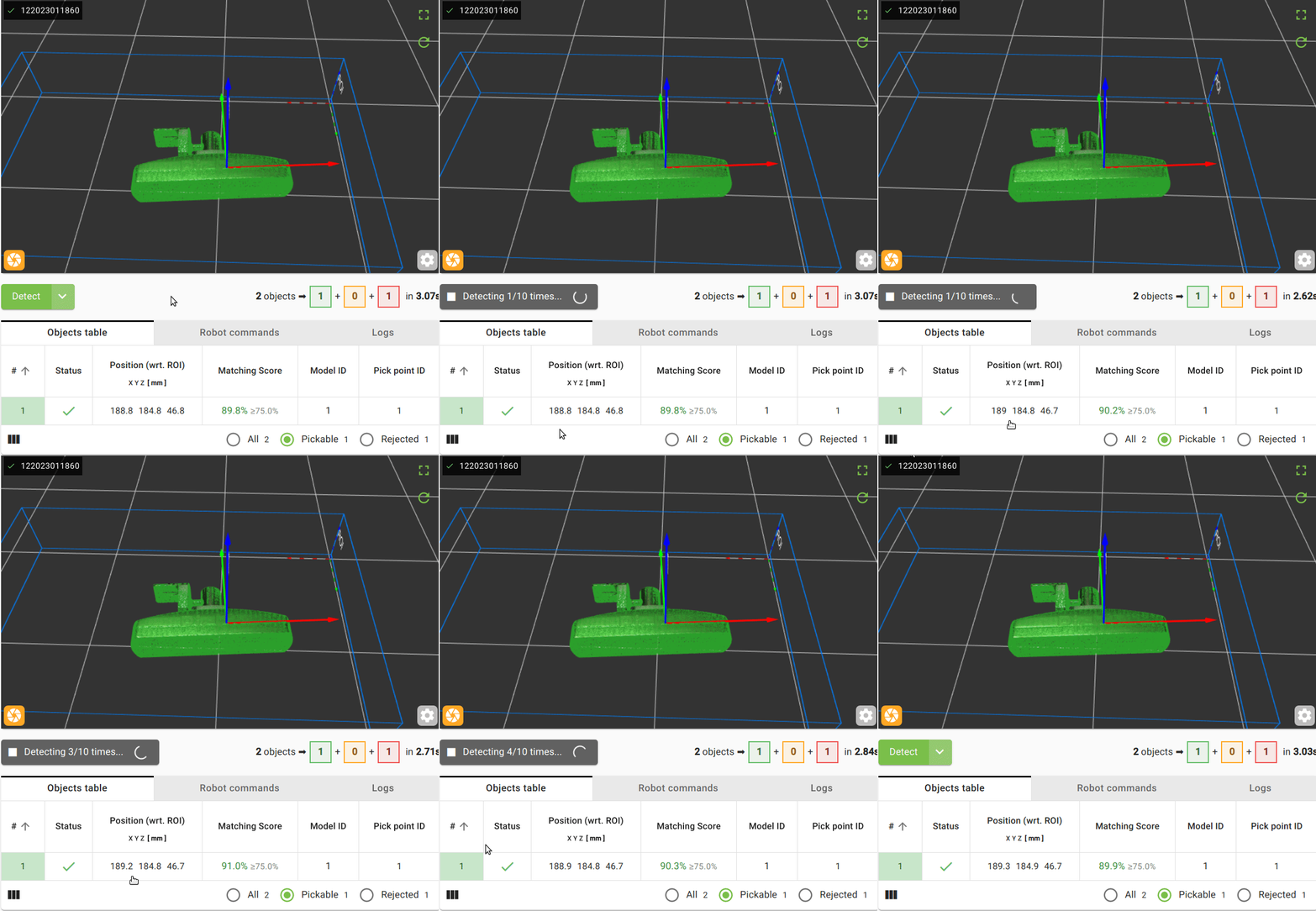
Due to measurement noise of the camera, detecting twice the same object does not lead to the exact same pick pose. Detection repeatability measures the variability of the object position across multiple detections. More precisely, we define the detection repeatability as the range of variation (in mm) of the detection pose of a fixed object. We typically check the average and maximum variation of the detected pick pose.
Detection repeatability gives a lower bound on the expected picking accuracy.
Note
The detection repeatability is application specific. It varies depending on the detected object, the camera and its distance, and detection settings (product file). Therefore, it is important to measure the repeatability in conditions as close as possible to your actual application.
Verifying the detection repeatability
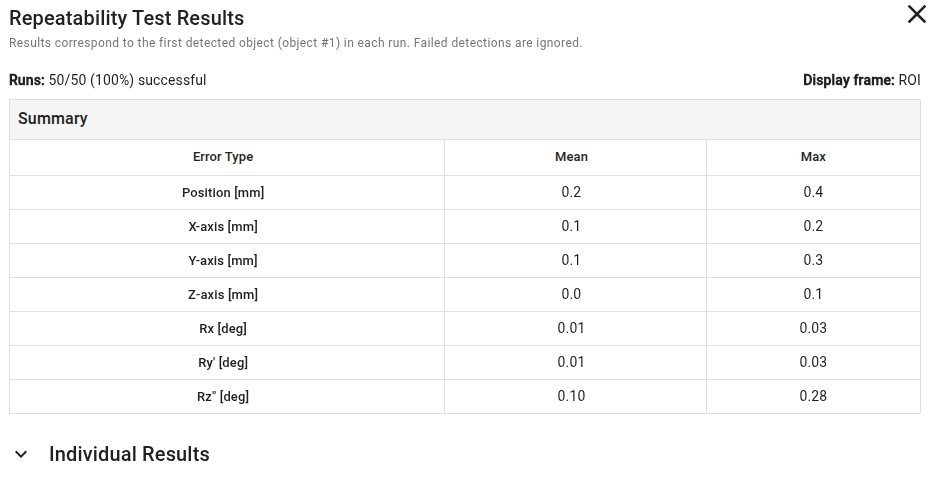
To measure the detection repeatability of a given application, the simplest is to detect a fixed part multiple times and collect the detection poses. To ease the repeatability calculation, the Pickit web interface provides a repeatability test that runs a number of detection runs and analyzes the statistics of the results, such as the success rate and the mean/max position and orientation errors.
You can proceed as follows:
Set up a repetitive detection that always produces the same object as the first result (see tip below).
In the Detect button of the web interface, select the option Run repeatability test.
Specify the number of detection runs to perform, and click Start.

After the test is completed, the web interface will display the statistics of the detection results, including the success rate and the mean/max position and orientation errors. Individual detection results can also be consulted.
Tip
A repetitive detection should always detect the same pick point of the same object as first result in the Objects table. To get a repetitive detection it is recommended to adapt the product file as follows:
If possible, detect the object in isolation. Otherwise, set an object higher than the others and use highest object ordering strategy.
Enable only one pick point.
For symmetrical objects, make sure that the pick point is exactly in the center of symmetry.
Disable any tool flexibility.
Correcting the detection repeatability
To improve the repeatability of the detection, make sure to optimize your detection settings (product file). To do so, follow the general recommendations from the pages on avoiding false detections and increasing good detections.