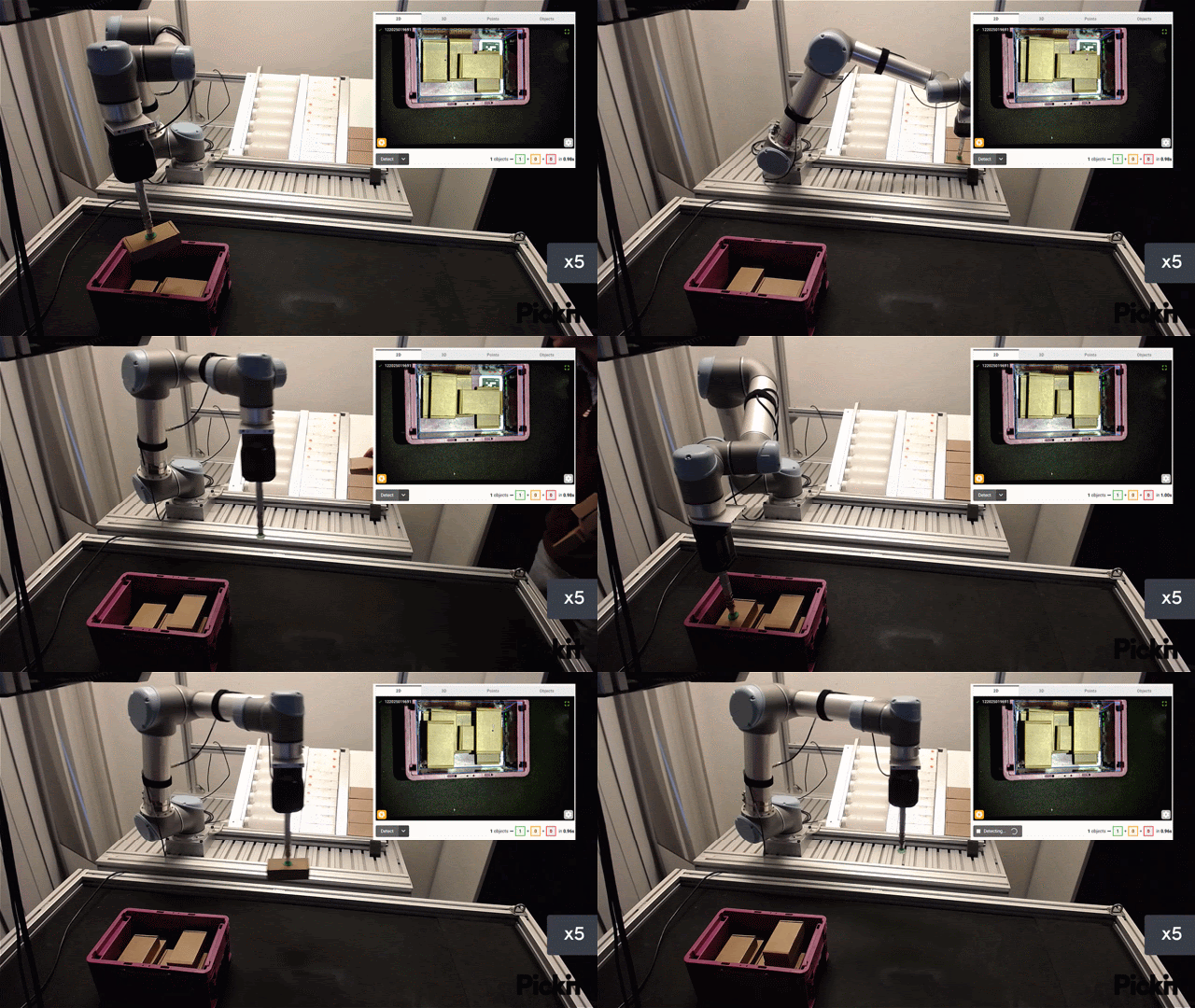
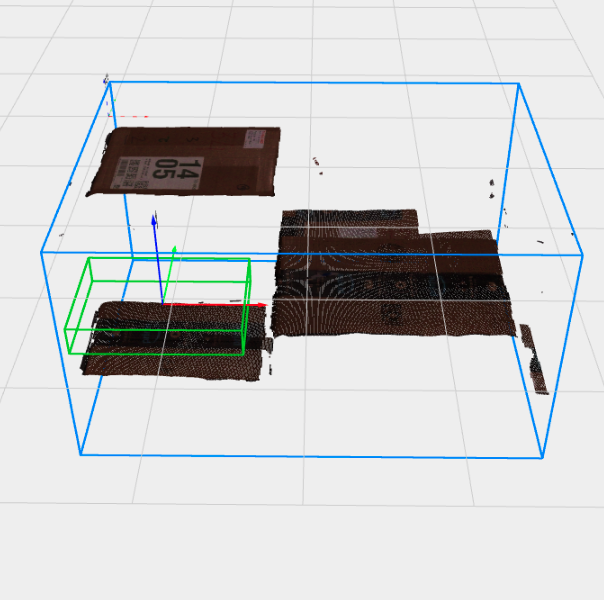
Identify your application
Pickit gives eyes to robots, enabling to automate a wide variety of manufacturing processes such as bin picking, depalletization, part location, and more.
Applications with similar characteristics share common requirements and are solved in a similar way. The most common applications solved by Pickit are directly supported through Application licenses, and are the following:
Application |
Description |
|
|---|---|---|
|
|
Part location Locate a single part to perform a vision-guided operation on it in a collision-free environment. |
|
|
Semi-structured picking Pick parts laid out in stacks or layers. Parts show the same side to the camera with limited tilt. |
|
|
Depalletizing Pick parts like boxes, bags and buckets layered on a pallet. Mixed and unmixed pallets are supported. |
|
|
Random bin picking Pick randomly oriented parts from a bin or similar container. |
|
|
Part placement Fill a container with parts, placing each part in a suitable empty space. |

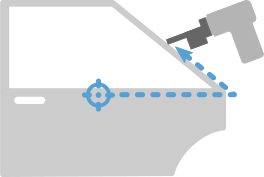

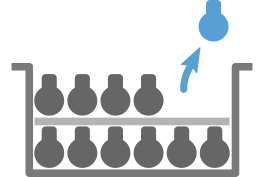

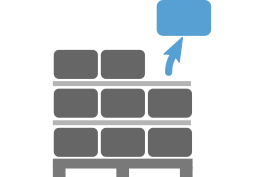

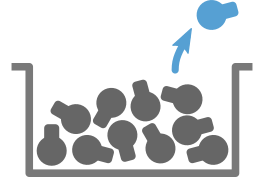

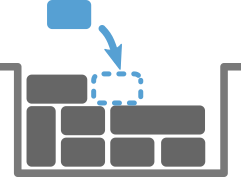
Each application has its own specific characteristics, which influence the choice of camera, detection engine, and picking features, as well as the structure of the robot program. The table below and the following sections summarize the main characteristics of each application.
Parts per detection run |
Randomly oriented parts |
Picking features (more) |
Detection engines (more) |
|
|
One |
|
|
Teach |
|
Many |
|
|
Teach, Flex |
|
Many |
|
|
Flex Depal |
|
Many |
|
|
Teach, Flex |
|
One |
|
|
Place |


Note
Pickit is a flexible system that can also solve applications not fitting exactly one of the above domains. To learn more on whether your application can be solved with Pickit, please get in touch with us at sales@pickit3d.com.
Pickit Find: Part location
In part location applications, a single part is detected, and a robot performs a vision-guided operation based on its location. The location of the part is usually roughly known (e.g. it arrives on a conveyor belt), but not with enough accuracy to perform the operation. The robot knows how to perform the operation with respect to a nominal location, so the problem to solve consists of accurately detecting the part, and offsetting robot trajectories to the current part location.
Typical examples include sanding, deburring, gluing, sealing and welding.
Common characteristics for solving part location applications:
When selecting a camera, the relevant accuracy parameter is the part location accuracy.
Parts are detected based on their 3D shape.
The environment is structured, so picking features like multiple pick points per part and collision prevention are not required.
Robot programs use the user frame concept to offset nominal robot trajectories to the actual part location.
Pickit Lite: Semi-structured picking
In semi-structured picking applications, parts are laid out in stacks or layers, and show the same side to the camera. Although parts can tilt to some extent, they are not randomly oriented.
A robot picks parts from the stacks or layers, and places them in a different location. Layers are sometimes separated by interlayers, which are thin sheets of material that must be removed to reveal the next layer of parts.
Parts may or may not be inside a container like a bin.
Common characteristics for solving semi-structured picking applications:
When selecting a camera, the relevant accuracy parameter is the part picking accuracy.
Parts (and interlayers) are detected based on their 3D shape.
Multiple parts can be picked from a single detection run for faster cycle times.
Even though parts are not randomly oriented, picking features like pick point selection and collision prevention may be required.
Robot programs follow the structure of a picking program.
Pickit Depal: Depalletizing
Depalletizing applications are similar to semi-structured picking applications, the main difference being the parts to detect. Parts like boxes and bags have a mostly flat surface facing the camera, and the boundaries between them are better defined by the color information than shape.
Parts are most usually stacked on top of pallets, and are less frequently inside a container like a bin. Parts in a layer are typically arranged in patterns, but the same pattern (or pattern orientation) may not be the same across layers. Applications can be unmixed (all parts are the same) or mixed (parts are different). Furthermore, parts may not be known in advance, such as in domains like logistics and e-commerce, where new packaging arrives daily.
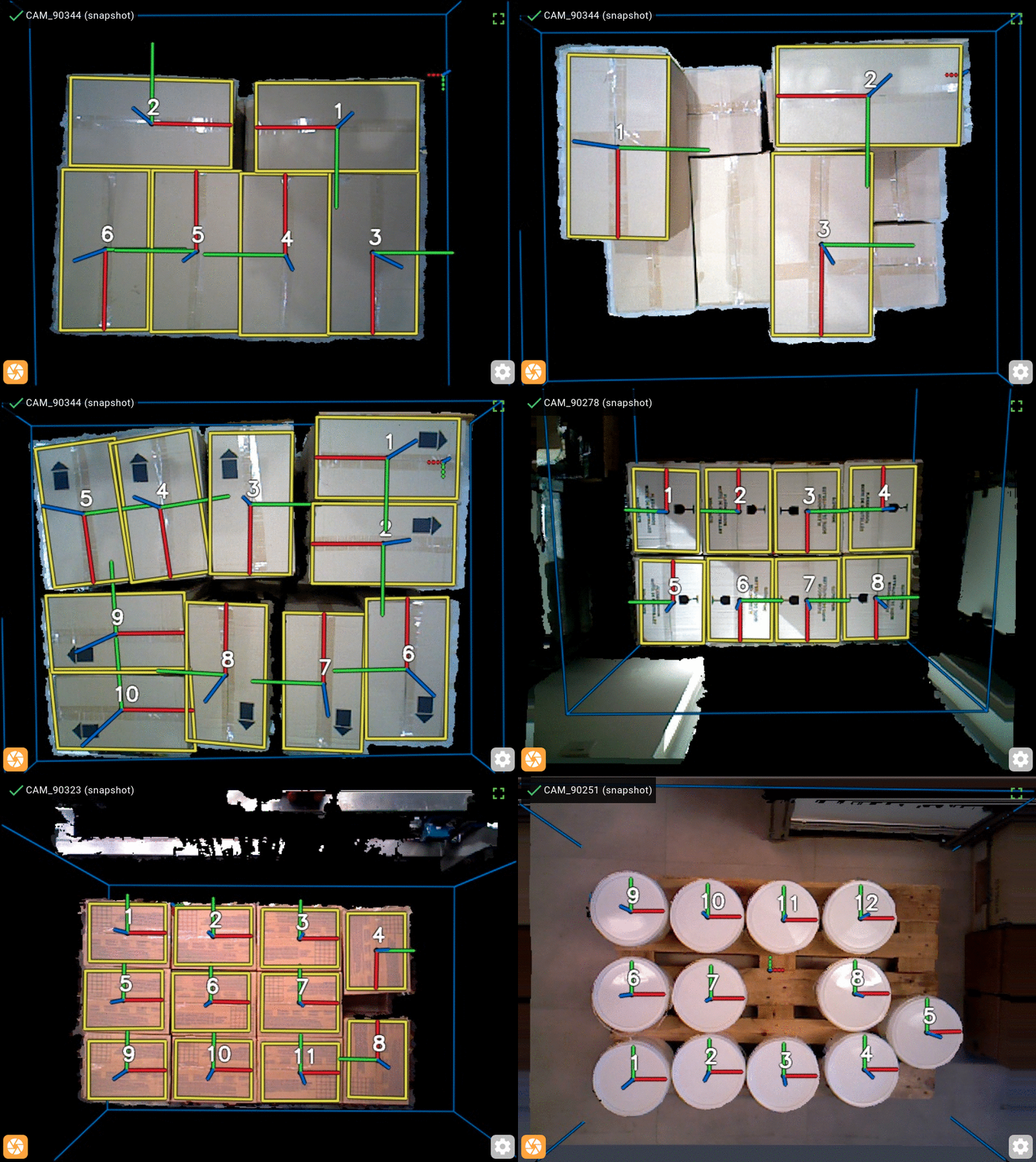
Common characteristics for solving depalletizing applications:
When selecting a camera, the relevant accuracy parameter is the part picking accuracy.
Parts and interlayers are detected based on color information and 3D shape.
A single configuration should work for categories of parts (e.g. boxes, bags) rather than individual SKUs.
Multiple parts can be picked from a single detection run for faster cycle times.
Even though parts are not randomly oriented, picking features like pick point selection and collision prevention may be required.
Depalletizing robots with four axes are common, which means that the robot can only perform vertical (no tilt) picks.
Robot tools are usually equipped with a compliant element (e.g. vacuum cups) that can absorb a small amount of part tilt.
Robot programs follow the structure of a picking program, and for robot-mounted cameras the detection point moves down as the height of the pallet decreases.
Pickit Plus: Random bin picking
In random bin picking applications, parts are randomly oriented and piled up in a bin or similar container. A robot picks parts from the bin and places them in a different location.
Parts must be detected and picked in any orientation, and under partial occlusion. Sometimes, and depending on the placing constraints, the robot might need to re-grasp the part to place it in the desired orientation.
Common characteristics of random bin picking applications:
When selecting a camera, the relevant accuracy parameter is the part picking accuracy.
Parts are detected based on their 3D shape.
Having multiple detected parts as candidates for picking is desirable.
Picking features like are essential to solve the application. Having multiple pickable parts is desirable, which can be achieved by means of:
Adequate robot tool design and pick point specification.
Collision prevention with the bin and its current contents.
Workspace constraints limiting the robot’s motion.
Robots with six (or more) axes are the norm.
Robot programs follow the structure of a picking program.
Pickit Place: Part placement
In part placement applications, a robot fills a container with parts, placing each part in a suitable empty space. Pickit Place scans the scene and selects a suitable placement for a part with known dimensions by applying a similar logic as a human operator would:
Prefer filling the container from the bottom.
Prefer more stable place locations (with more supporting surface).
Prefer placements touching neighboring items or the container.